B60, Third Floor, Sector 88, Noida - 201305

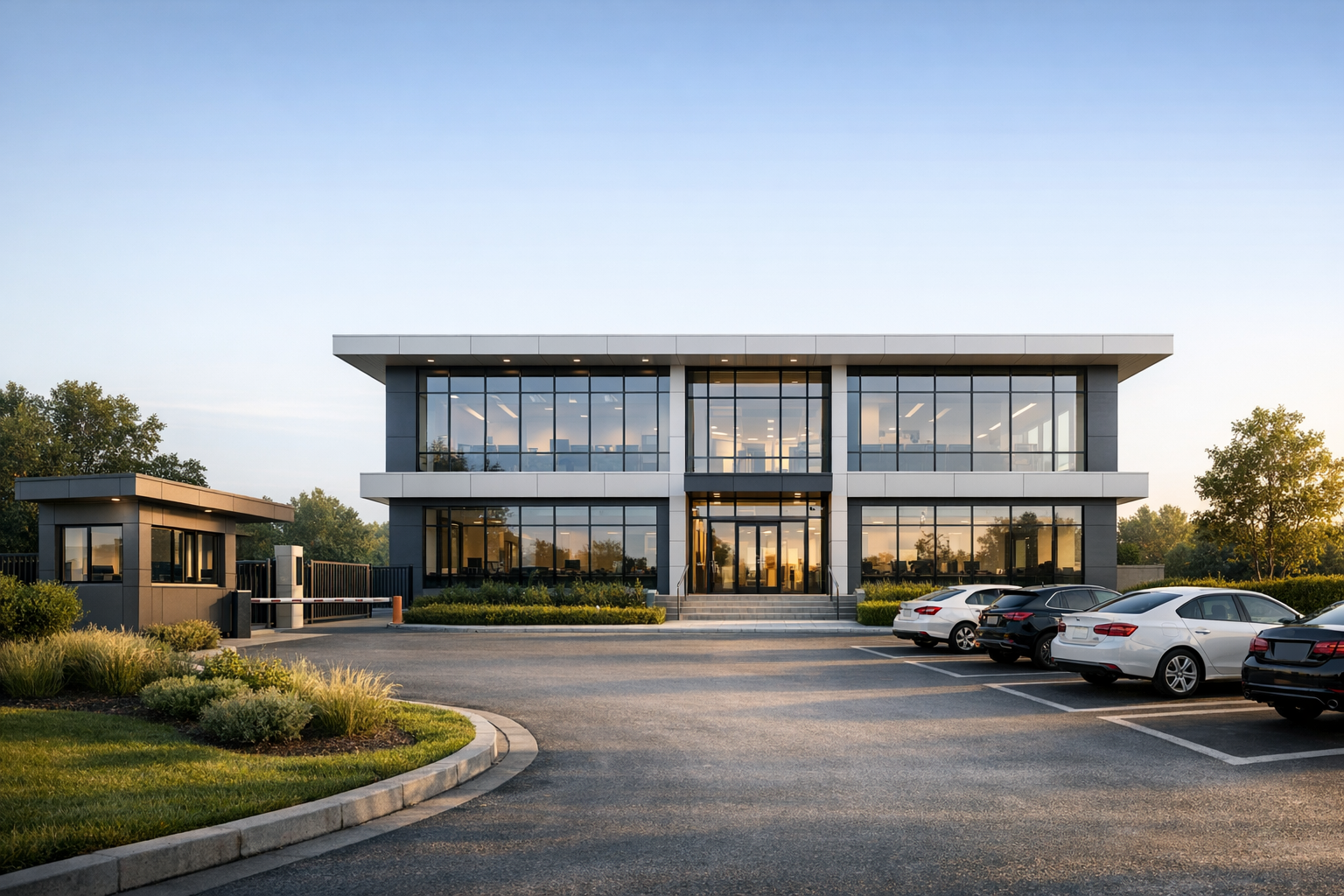

The Revit Architecture Fundamentals course is a structured 45-day live certificate program designed to help architecture students and early-career professionals learn how to develop a building from design concept to complete construction drawings using Revit.
Unlike typical software tutorials that focus only on commands, this course teaches the complete architectural workflow used in professional offices. Students learn how to organize projects, develop design models, coordinate architectural elements, and produce clear, structured sheet sets that are ready for construction documentation.
The course is delivered through live interactive sessions where learning happens through a structured demo-practice cycle. Each session includes a 20–25 minute demonstration followed by 25–30 minutes of guided student practice, allowing learners to immediately apply the concepts and clarify doubts in real time.
Over 30 days of training, participants develop strong Revit modelling and documentation skills. This is followed by a 15-day capstone project, where students apply their learning to develop a 4-floor commercial building project (shopping and office spaces) and produce a portfolio-ready documentation set.
By the end of the program, participants will understand how Revit is used not just for modelling but as a design and documentation platform used by architectural practices around the world.
During this course, students will learn how to:
• Set up a professional Revit project with levels, grids, and project coordinates
• Develop conceptual architectural models and design options
• Organize views and apply drawing standards
• Create plans, sections, elevations, and schedules
• Produce structured construction drawing sheets
• Develop a coordinated design-to-documentation workflow.
This course follows a studio-style interactive learning format.
Each 2-hour session includes:
• 20–25 minute instructor demonstration
• 25–30 minute guided student practice
• Immediate doubt clarification and feedback
• Multiple demo-practice cycles within the session
To maintain a strong learning environment, batch size is limited to 20–25 participants.
Students complete a 15-day capstone project where they develop a 4-floor commercial building consisting of:
• Two floors of retail spaces
• Two floors of office spaces
During the capstone, participants organize views, create sheet layouts, and produce a structured set of architectural drawings suitable for professional portfolios.
After completing the Revit Architecture Fundamentals course, participants will be able to:
• Contribute to the design development stage of architectural projects
• Build and organize Revit models used in professional practice
• Produce construction drawing sets from the model
• Present organized architectural documentation during studio reviews or interviews
The course prepares students to confidently use Revit in architecture studios, design offices, and BIM-enabled practices.
45 Days Total
• 30 Days – Live Interactive Training
• 15 Days – Capstone Project
Classes are conducted Monday to Saturday in live sessions.
Participants who complete the training and capstone project receive a Certificate of Completion from BimSrv Academy

Understand the BIM workflow and how Revit is used in architectural practice.
Learn how to navigate the Revit interface, understand the Project Browser, Properties panel, and view controls used for architectural modelling.
Create a new architectural project in Revit and understand project templates, units, and file organization.
Learn how to configure project location, north orientation, and site settings for an architectural project.
Create building levels to define floor heights and structural reference planes.
Learn how to establish grid systems used for building layout and structural coordination.
Create architectural walls and understand wall types, constraints, and alignment tools.
Create floor elements and understand floor boundaries and material layers.
Insert and manage doors and windows using parametric Revit families.
Create architectural roof forms using sketch tools and slope controls.
Create stairs and understand circulation design in architectural models.
Insert architectural components such as columns, furniture, and fixtures.



 Google